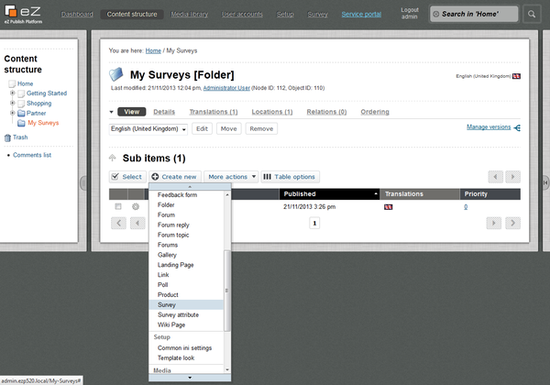
In the folder created to locate your surveys, you can now create new surveys. Beneath the "Sub Items"-box choose "Survey" and click "Create here".
You can specify properties as language, the length of time you would like your survey to be active for, if more than one answer is allowed and if the users are able to edit the survey later.
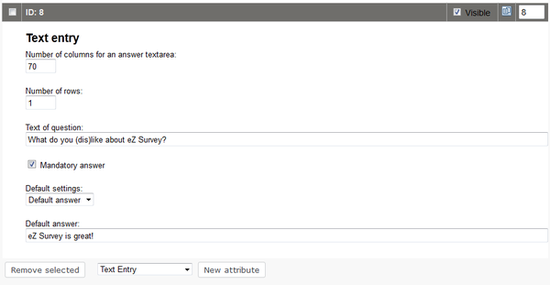
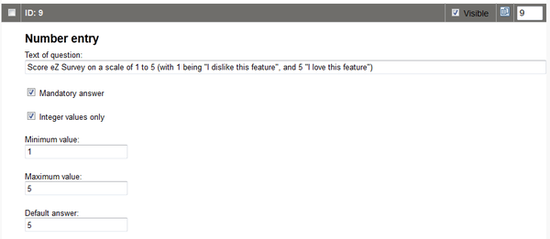
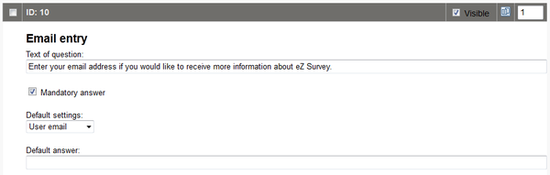
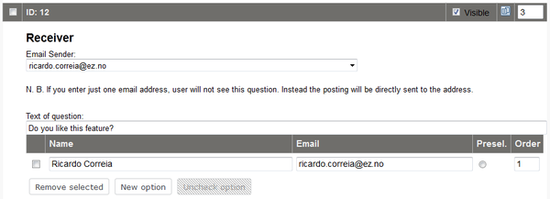
Furthermore you can also add the following attributes to your survey. These attributes are specific eZ Survey attributes and differ from the normal content attributes in Exponential.

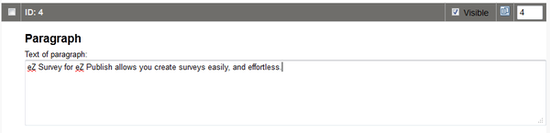
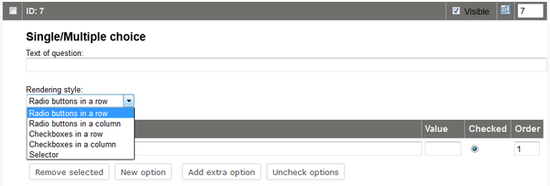
Single/multiple choice: Different styles are available to present the choices. You can add options (and label them), determine option values, define which choice is checked by default and assign an order to the options.
| Rendering Style |
|
| Radio Buttons in a Row |
Round choice buttons are presented next to each other |
| Radio Buttons in a column |
Round choice buttons are presented underneath each other |
| Checkboxes in a row |
Checkboxes are presented next to each other |
| Checkboxes in a column |
Checkboxes are presented underneath each other |
| Selector |
Choices are presented as a list |